4 Best AI Visibility Tools With API and MCP (2026)
Compare four AI visibility tools with MCP and API access, including monthly prices, practical use cases, and plan limits. Practical ZeroRank MCP video walkthrough included.

Key Takeaways
- Use MCP to read and update data, take actions and automate workflows through an AI assistant. Use an API to connect the tool directly to other software.
- Compare ZeroRank, Geoptie, Peec AI and LLM Pulse by the work you need to do.
- Check API and MCP plan access separately before choosing a subscription.
The best AI visibility tools with API and MCP access help you do something with the answers you collect: prepare a client report, investigate why a competitor appears, or turn a content gap into a finished article.
ZeroRank, Geoptie, Peec AI and LLM Pulse all offer these connections. The difference is what you can do through them, which plan you need, and how much of your weekly work they can take off your hands.
API or MCP: which do you actually need?
MCP connects a tool to an AI assistant such as Claude. An API connects the tool directly to other software, such as a dashboard or client portal.
Via the MCP, an AI assistant can read your data, make supported changes and use it in automated workflows. For example, reviewing new answers, adding tracking questions or drafting content from a citation gap.
Both MCP and APIs can support automation; the right connection depends on the software running your workflow.
Compare the four tools
Tool | Best for | Monthly pricing | MCP access | API access |
|---|---|---|---|---|
ZeroRank | AI visibility management and automation | From $39/month; MCP + API included | All paid plans | All paid plans |
Geoptie | Audits, monitoring and content | From $49/month; MCP + API from $99/month | Professional and Business | Professional and Business |
Peec AI | Custom visibility reporting | MCP from $95/month; API from $245/month | All plans | Pro, Advanced and Enterprise; all agency plans |
LLM Pulse | Connecting a reporting stack | MCP from €49/month; API from €299/month | All plans | Scale and above |
1. ZeroRank: best for managing and automating AI visibility
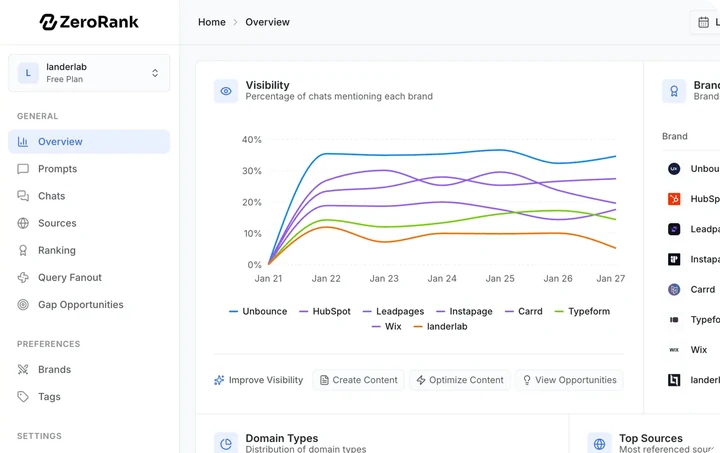
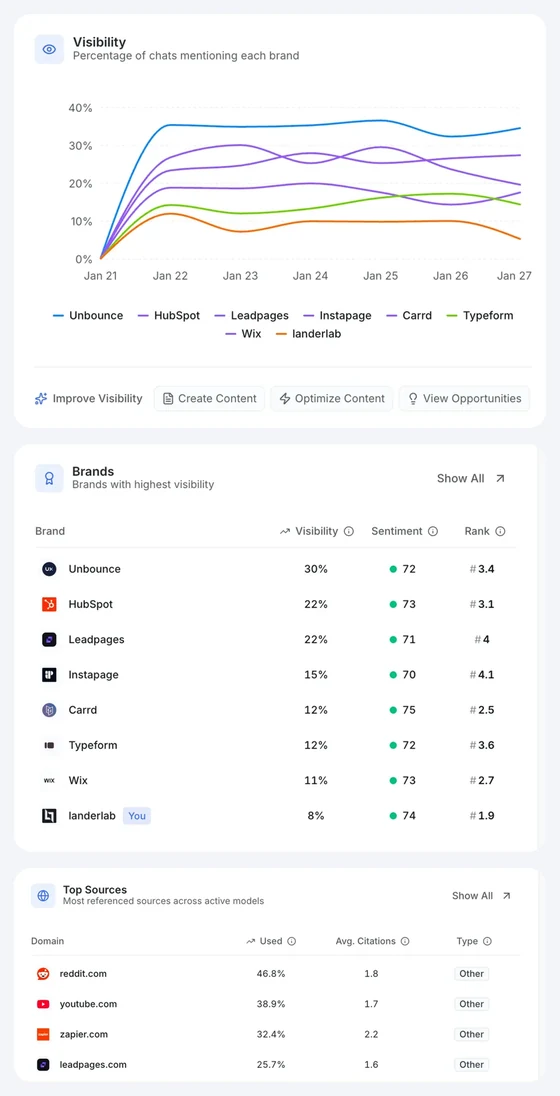
With ZeroRank’s MCP connection (opens in a new tab), you can manage your AI visibility through a conversation with an assistant like Claude. Ask it to find the right prompts to track, build a strategy and help you carry it out.
It can research the sources behind AI answers, add tracking prompts, create content and improve existing pages, all in the same conversation.
You can also connect ZeroRank to your other tools and put recurring work on autopilot. Have a workflow review new answers, find gaps, prepare content tasks or assemble a report.
“It [ZeroRank] connects via MCP with Claude, so I can pull the data straight into my workflow without switching tabs.”
— mkarim, ZeroRank review (opens in a new tab)
That makes it useful whether you’re a founder working on your own, part of an in-house marketing team or running a large agency. Start with the work you need help with, then automate more as you grow.
Watch: ZeroRank MCP setup and workflows
The REST API lets you bring ZeroRank into your own tools: pull AI answers, citations and brand rankings into reports or dashboards, and manage prompts, brands and topics from your workflows. See the API documentation (opens in a new tab).
Key features
- Track the right prompts and build a strategy through conversation.
- Create and improve content, with recurring work on autopilot.
- MCP and REST API connections for your existing tools and workflows.
Price and access: Starter is $39/month (opens in a new tab) and includes MCP and REST API access. Growth is $199/month with up to 10 workspaces; Agency is $499/month with unlimited workspaces. All paid plans can access the supported 17 AI platforms.
What to weigh up: tracking uses a monthly answer-run budget. More questions, engines or checks consume more of it, and premium models have higher weights. Size the plan around the monitoring you need.
2. Geoptie: best for combining audits and content with monitoring
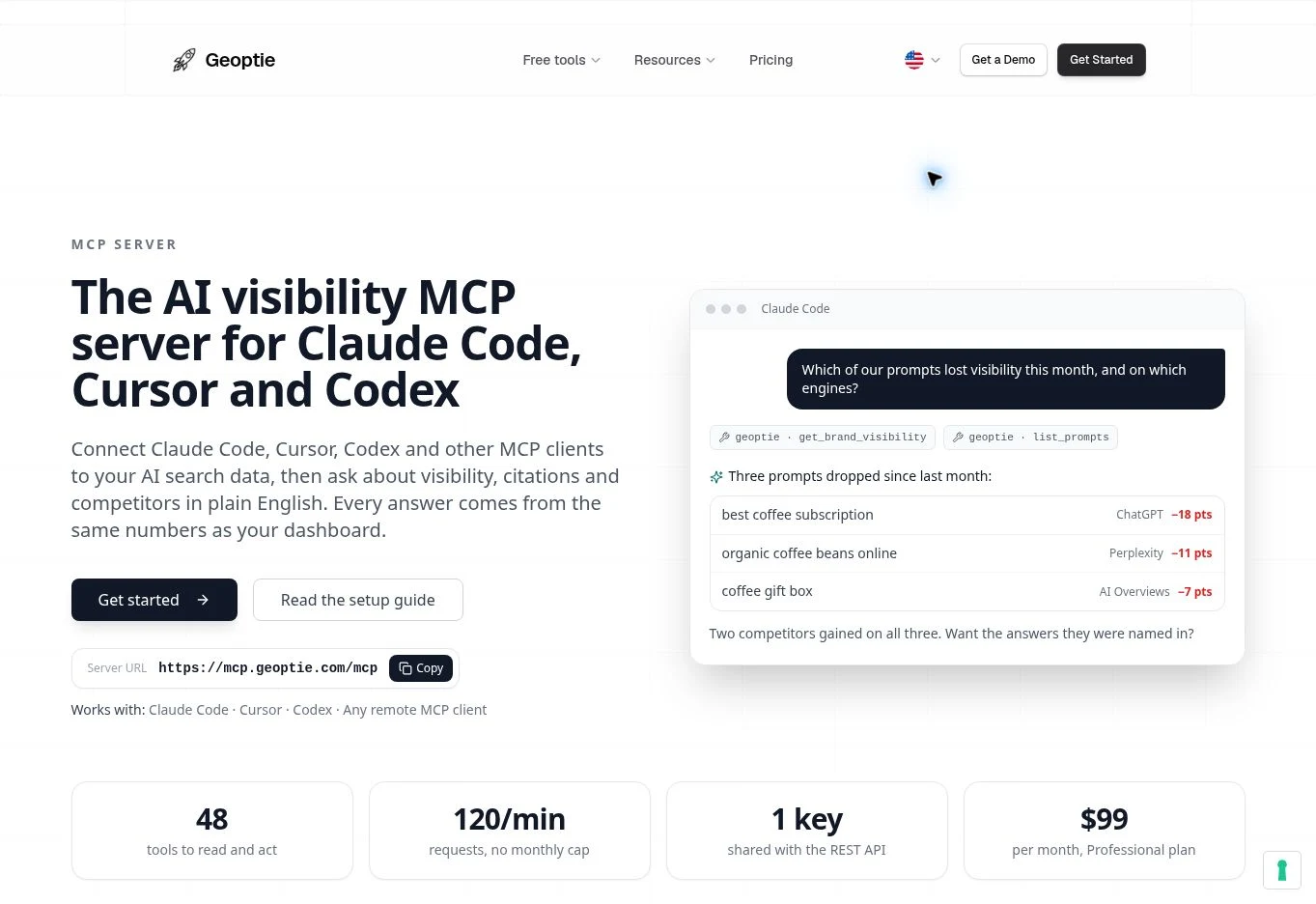
Geoptie (opens in a new tab) is worth considering when your next step after a visibility review is usually an audit or a content draft. Its MCP connection covers full answers, citations, competitors and recommendations, as well as page audits and content generation.
For example, you can investigate the sources behind a missing-brand answer, review the relevant recommendation and ask for an article addressing the gap. Its MCP guide (opens in a new tab) includes both analysis and actions, such as adding prompts or creating content.
Key features
- Monitoring, page audits and content tools in one account.
- Full answers and cited-page evidence for your review.
- One API key for both the API and MCP connection.
Price and access: Professional is $99/month and includes MCP, API access, 100 monitoring prompts and 10 brands. Business is $249/month with 300 prompts and unlimited brands. Starter is $49/month, but API and MCP access begin on Professional.
What to weigh up: each brand tracks any four of seven supported engines. Check that your preferred mix and prompt allowance fit the clients or markets you manage.
3. Peec AI: best for custom visibility reporting
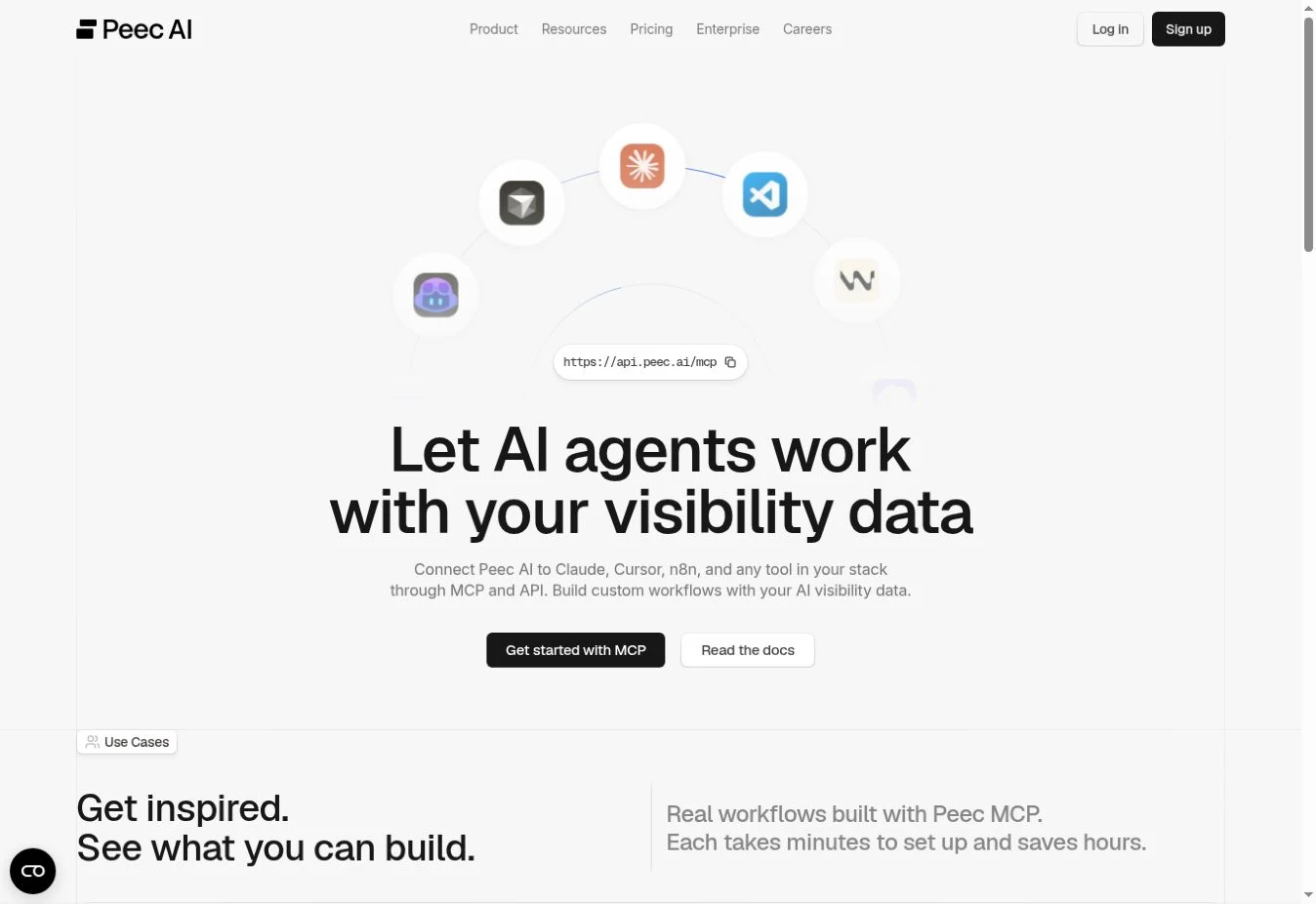
Peec AI (opens in a new tab)is a useful option when your main job is explaining how visibility changes across models, markets or topics. Its MCP workflows include weekly visibility briefs, client reports and finding pages that are losing citations.
You can ask your assistant to compare competitors or pull the most-cited URLs from a project. The API provides prompt data, citations, visibility and sentiment for custom reporting.
Key features
- Conversational analysis of your tracked projects.
- Reporting workflows built around visibility and cited sources.
- API data for dashboards and recurring reports.
Price and access: Starter is $95/month and Pro is $245/month. MCP is included across plans (opens in a new tab). For the API, brand accounts need Pro, Advanced or Enterprise; agency plans also include it.
What to weigh up: Starter can suit someone who wants to ask questions through MCP, but it will not cover a reporting workflow that also needs the API.
4. LLM Pulse: best for connecting visibility to a reporting stack
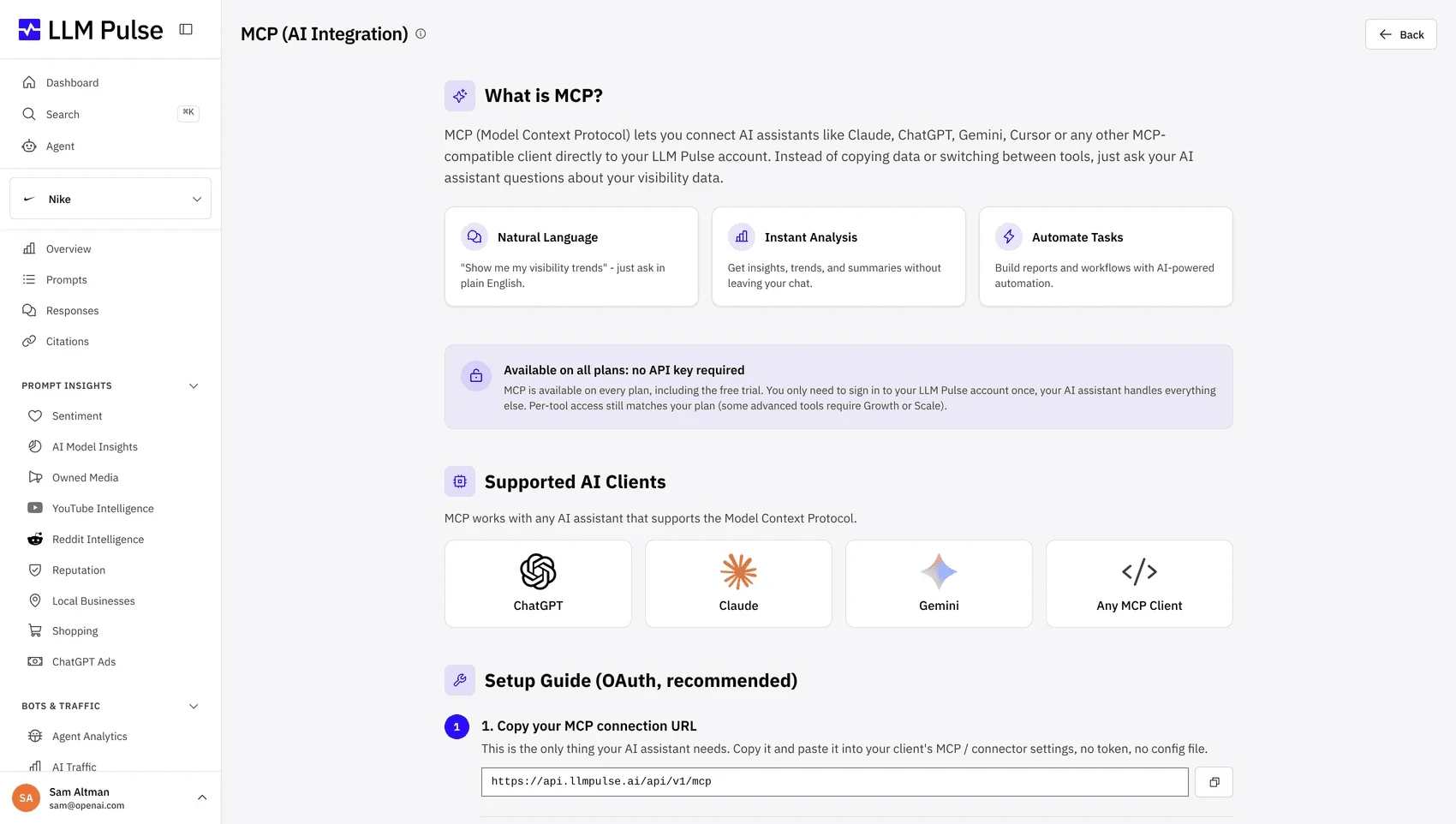
LLM Pulse offers several ways to work with your visibility data, including MCP, an API and connections to reporting and automation tools. It is a useful shortlist option if your team already uses systems such as Looker Studio, Power BI, Zapier, Make or n8n.
Its MCP connection (opens in a new tab) lets an assistant inspect answers, compare competitors and analyze cited sources. It can also perform supported actions, including prompt management, audits and content drafting.
Key features
- MCP access across plans, with account sign-in.
- Analysis and supported actions from the same connection.
- API and reporting integrations on higher plans.
Price and access: Starter begins at €49/month with MCP. API access begins on Scale. Pricing varies with tracking frequency and capacity, so compare the configuration you intend to run.
What to weigh up: MCP on an entry plan does not include the API. If you want automated reporting as well as conversational analysis, budget for an API-inclusive plan.
What can you do with an AI visibility MCP connection?
The useful questions are the ones you already need to answer for your business or client. Try one of these with a workspace that has tracked answers:
- Which buyer questions name competitors but leave us out? Show the answers and the pages they cite.
- Summarize what changed this month and suggest the three most relevant follow-up actions.
- Find gaps in our tracked questions for this audience, then let me review the additions.
Cited pages can turn a broad visibility problem into a specific page to improve or publisher to approach.
For a practical example, start with citation gap analysis (opens in a new tab). If client reporting is your main use case, use the agency reporting guide (opens in a new tab) to decide what the finished report should contain.
How to choose the right tool
Bring one real task to the trial. Ask each tool to explain a missing-brand answer, return the cited pages and help you prepare the next step. You will learn more from the usefulness of that output than from a long integration list.
For content and optimization alongside prompt tracking (opens in a new tab), start with ZeroRank or Geoptie. For custom visibility reporting, look closely at Peec. For a broader reporting and automation stack, consider LLM Pulse.
Then check the plan that includes the connection you need. An inexpensive MCP plan can be enough for an individual marketer; an agency feeding client dashboards may also need API access and room for several workspaces.
Frequently asked questions
Do I need a developer to use MCP?
Usually, no. In a supported assistant, you add the provider’s connection and sign in or enter the required key. The setup video above walks through the ZeroRank connection. Custom API integrations can require development work.
Does MCP make AI recommend my brand?
MCP gives your assistant access to your tracking data and tools. You still improve the pages, facts and sources that influence buyer answers. The connection helps you investigate and do that work.
Can I use these tools without connecting an AI assistant?
Yes. Their dashboards remain available. MCP is another way to work with the data, and the API is there when you want to connect other software.
Try ZeroRank (opens in a new tab) with a buyer question you care about.
Filed under AI Search Tools
CMO. On a mission to make ZeroRank the go-to platform for AI search visibility.
Keep reading
All posts AI Search Tools
7 Promptwatch Alternatives in 2026: Which Is Worth Your Money?
If you're evaluating Promptwatch, don't just compare feature lists. This guide looks at how each competitor differs in analytics, optimization, pricing, and the problems it's designed to solve.

 AI Search Tools
Profound AI Pricing in 2026: What Will You Actually Pay?
Is Profound AI worth the price? This guide breaks down Profound pricing, what each plan includes, and whether it makes sense for small businesses, agencies, in-house teams, and enterprises.
 AI Search Tools
Top 10 Profound AI Alternatives to Grow Your AI Visibility in 2026
Profound is one of the leading AI marketing platforms, but it's not the right fit for every business. Whether you're looking for simpler workflows, broader AI platform access, or a more affordable way to track and improve AI visibility, there are several strong alternatives available.