Log inGet Started
ZeroRank University

Free video lessons on AI search and ZeroRank

Practical videos from the ZeroRank team: how to set up the product and find your way around it, and how AI assistants decide which brands to recommend.

  • 5 lessons
  • 44 min
  • free, no sign-up
Start here

Begin with the setup

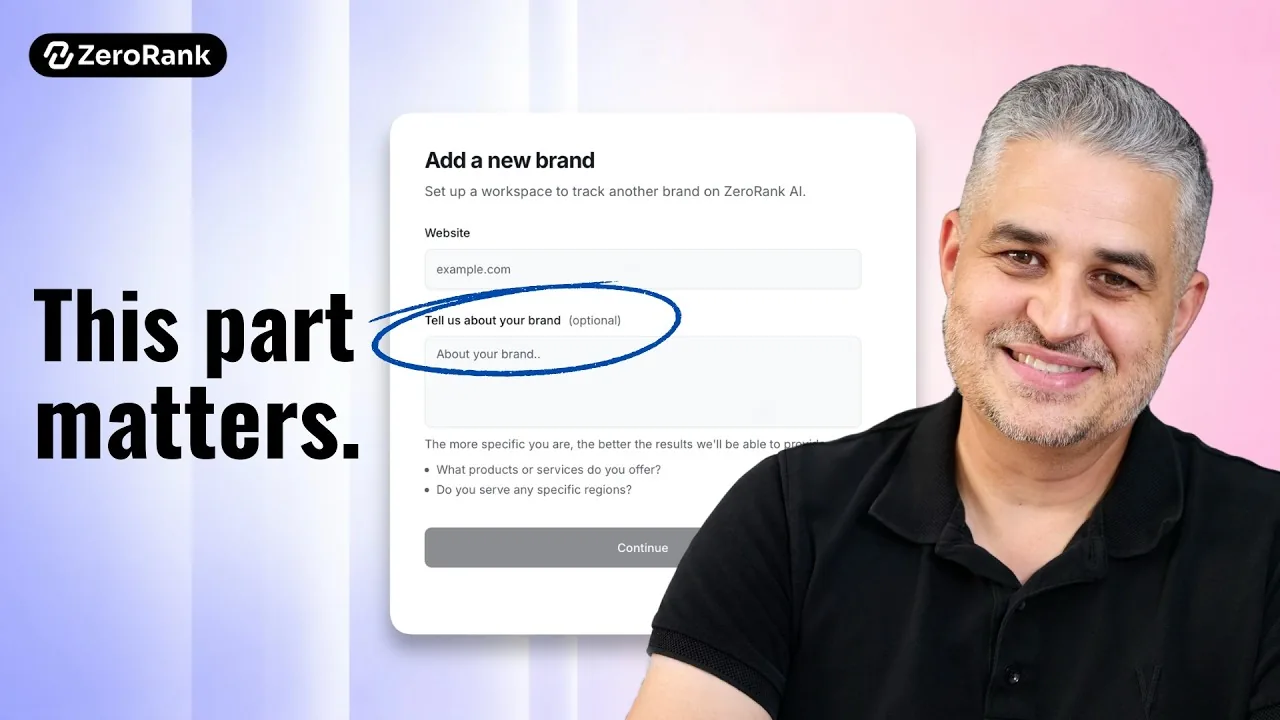
A walkthrough of the setup screens, read slowly instead of clicked through. Worth watching whether you are creating a new account or adding a project.

2 more lessons · 23 min

Get started with ZeroRank

Once the setup is done: a tour of every area of the app, and a conversation about how the data behind it is collected.

Lesson 2 of 3 , 21 minutes 16 seconds

ZeroRank Overview: From AI Visibility to Action

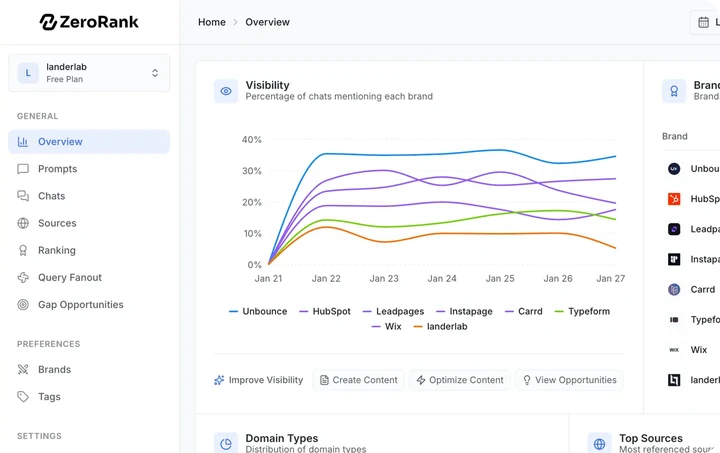
A broad, deliberately fast tour of the interface so you know where everything is: the overview dashboard, sources and URLs, chats, prompts, the Copilot, recommendations, the technical scan, content and workflows.

Chapters40

  1. Two things before we start, starts at 0:00
  2. What this overview actually covers, starts at 0:26
  3. The welcome screen (don't skip the checklist), starts at 0:45
  4. The overview dashboard: your bird's eye view, starts at 1:16
  5. Filters: date range, brand vs competitors, AI models, starts at 1:27
  6. What "AI Overview" actually means, starts at 1:56
All 40 chaptersShow fewer chapters
  1. Filtering by topics, country and tags, starts at 2:13
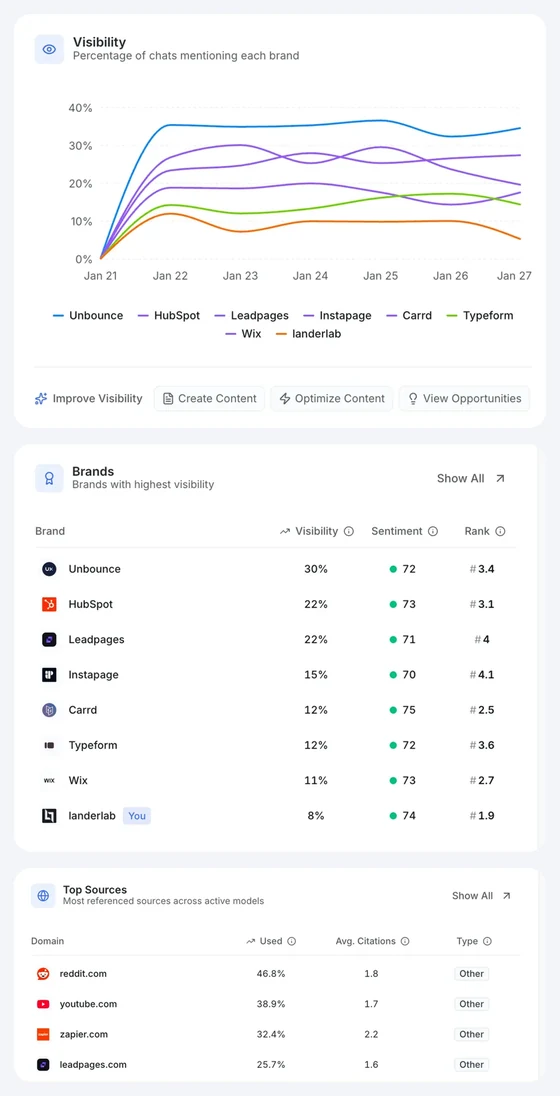
  2. The visibility chart: bar, line and competitor lines, starts at 2:45
  3. Show all: the full competitor visibility list, starts at 3:12
  4. Top sources: the domains AI keeps citing, starts at 3:29
  5. URLs: the exact pages AI is pulling from, starts at 4:14
  6. Back to the overview and domain types, starts at 4:48
  7. Recent chats and the chats area, starts at 5:01
  8. Opening a single chat and the full page view, starts at 5:46
  9. The quick links I actually use every day, starts at 6:24
  10. Prompts and topics: where all of this comes from, starts at 6:39
  11. Adding topics, disabling prompts, moving prompts, tags, starts at 7:01
  12. The prompt research tab, starts at 8:06
  13. Sources recap and AI traffic (Google Analytics), starts at 8:57
  14. Reports, starts at 9:21
  15. AI readiness and on-page opportunities, starts at 9:44
  16. The three areas: analytics, actions, configuration, starts at 9:55
  17. Actions: the Copilot and your top opportunities, starts at 10:30
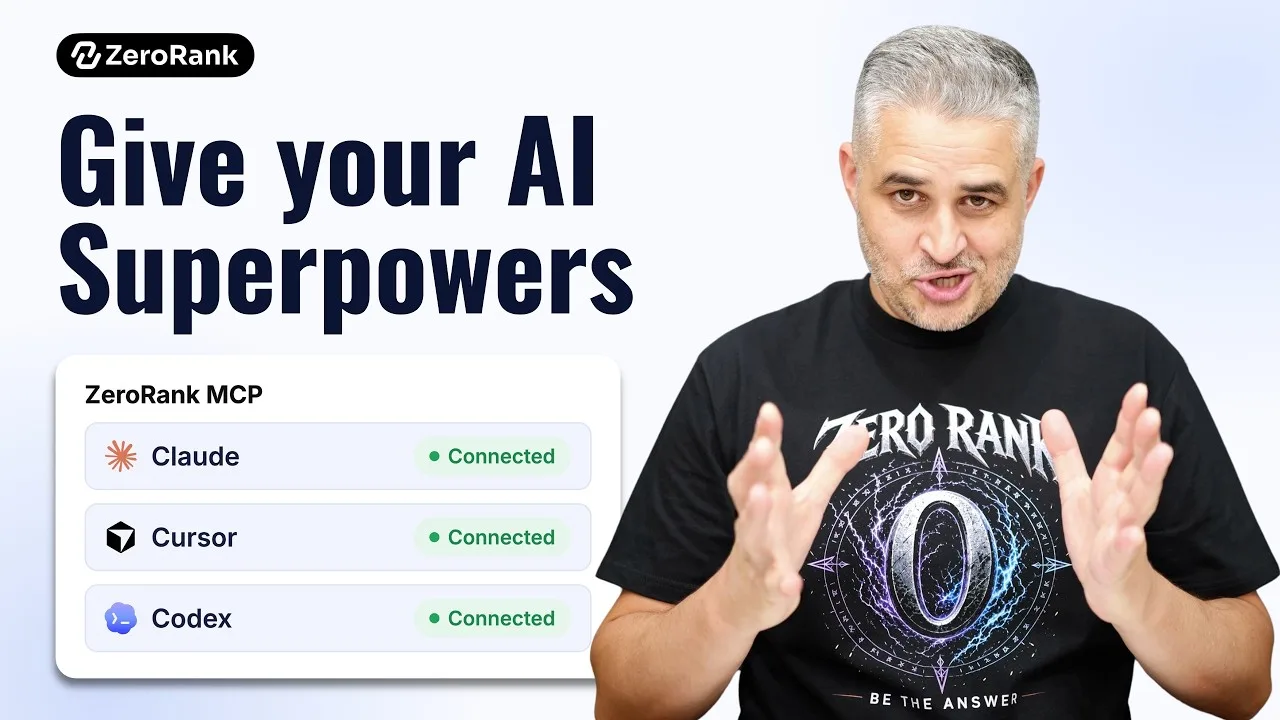
  18. 6,484 tools: MCPs, Stripe, PayPal, Monday, Webflow, starts at 11:43
  19. Why run AI inside the app (especially for clients), starts at 12:32
  20. Recommendations: where your audience actually hangs out, starts at 13:12
  21. On-page opportunities and getting added to listicles, starts at 13:43
  22. The technical scan (I'm going to regret showing you this), starts at 14:15
  23. 53%. Kind of sucks., starts at 14:40
  24. The fastest way to fix your technical issues, starts at 14:57
  25. Content: templates and content briefs, starts at 15:20
  26. Optimizing content you already have, starts at 16:16
  27. Workflows and automations, starts at 16:46
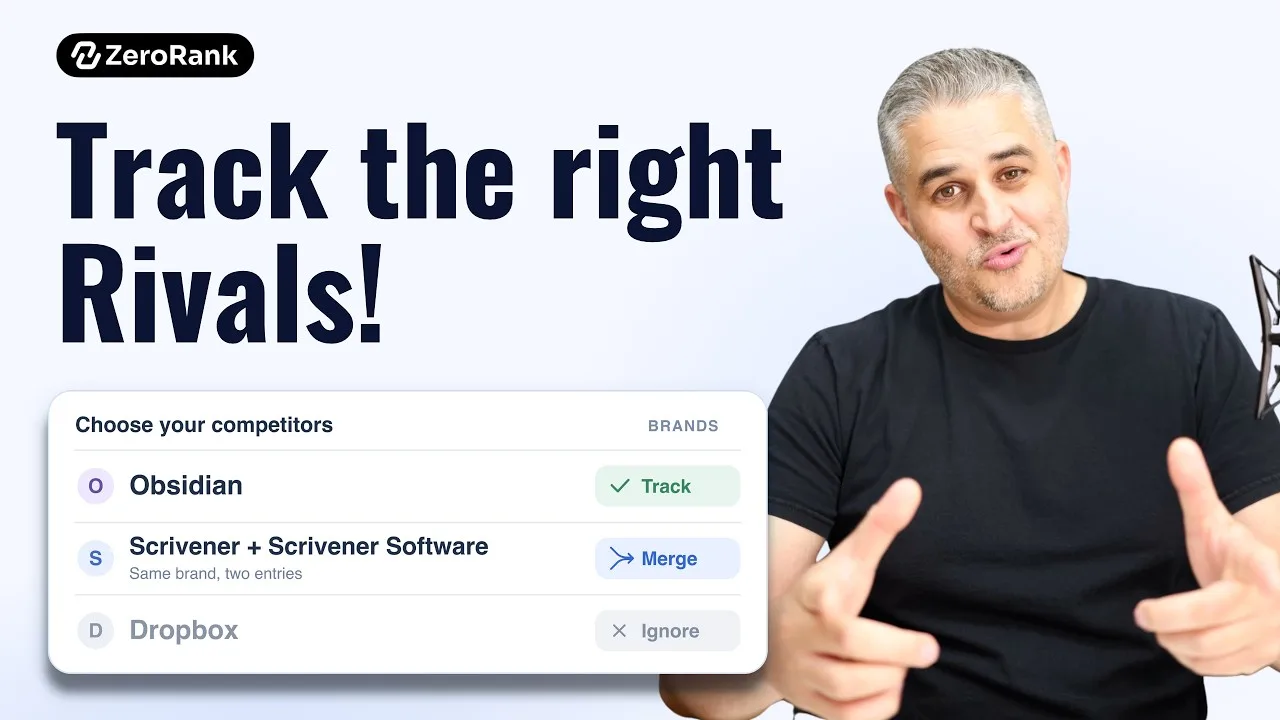
  28. Brands: approving, rejecting and merging competitors, starts at 17:02
  29. Active brands and stopping tracking, starts at 18:06
  30. Tags, MCP and API, starts at 18:51
  31. Workspaces, starts at 19:17
  32. Pitches: a temporary workspace for client research, starts at 19:35
  33. Organization, profile, billing, roadmap and changelog, starts at 20:17
  34. Thanks for watching, starts at 21:04
2 lessons · 14 min

AI search fundamentals

How AI assistants decide which brands to recommend and which sources to draw on.

Lesson 1 of 2 , 7 minutes 35 seconds

Why ChatGPT Recommends Some Brands — And Ignores Others

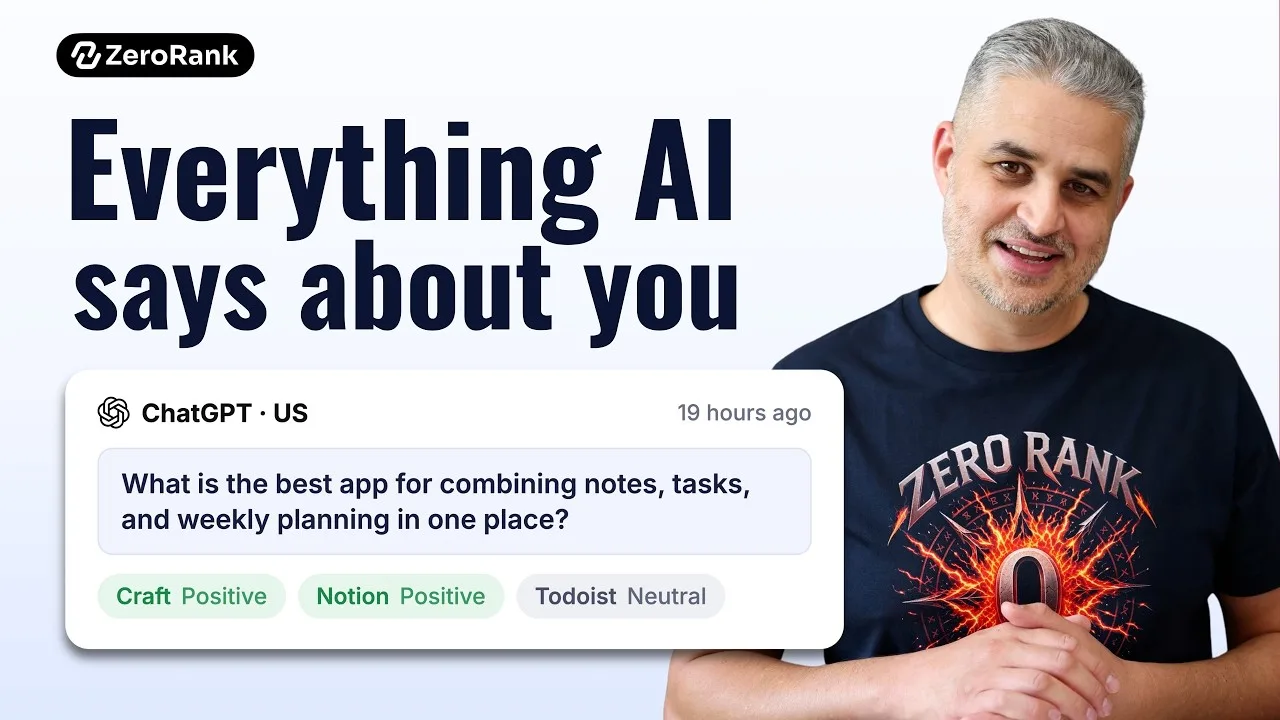
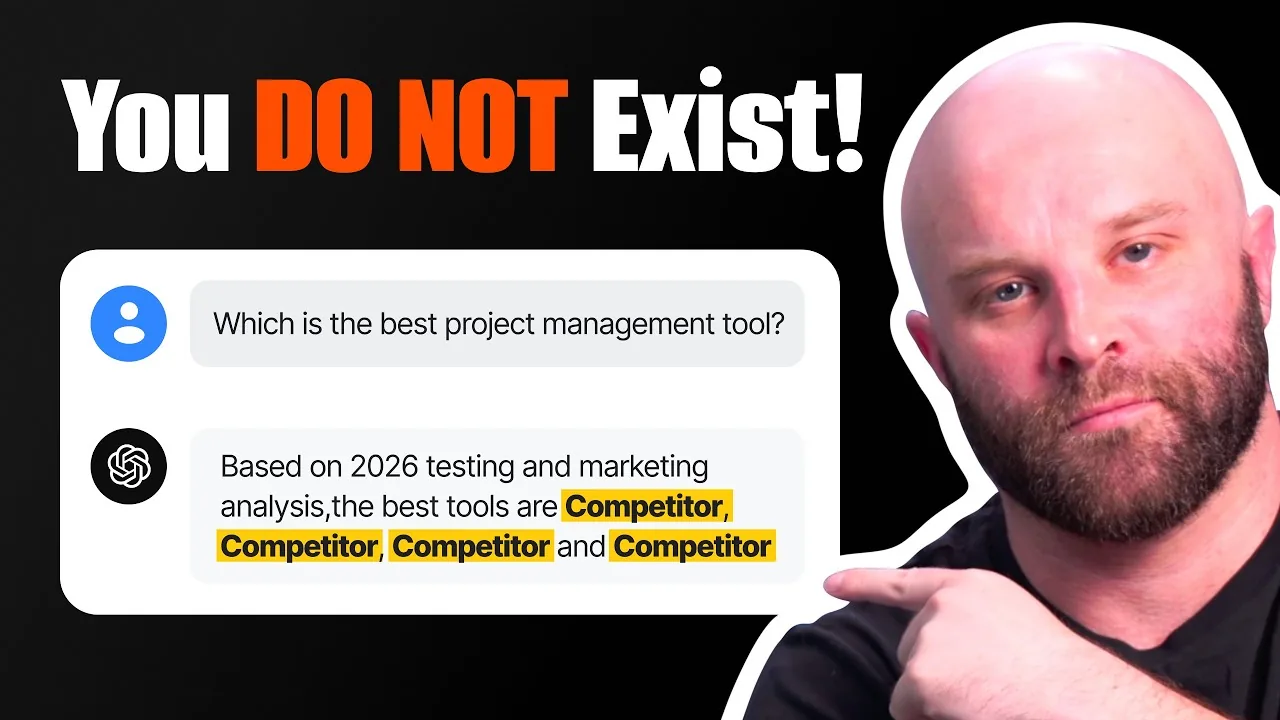
How AI tools decide which brands to recommend, why the same question gets different answers on ChatGPT, Perplexity and Google AI, and the three pillars of an AI search strategy: analytics, actions and content.

Lesson 2 of 2 , 6 minutes 28 seconds

Reddit Won’t Save Your AI SEO (This Is What Actually Works)

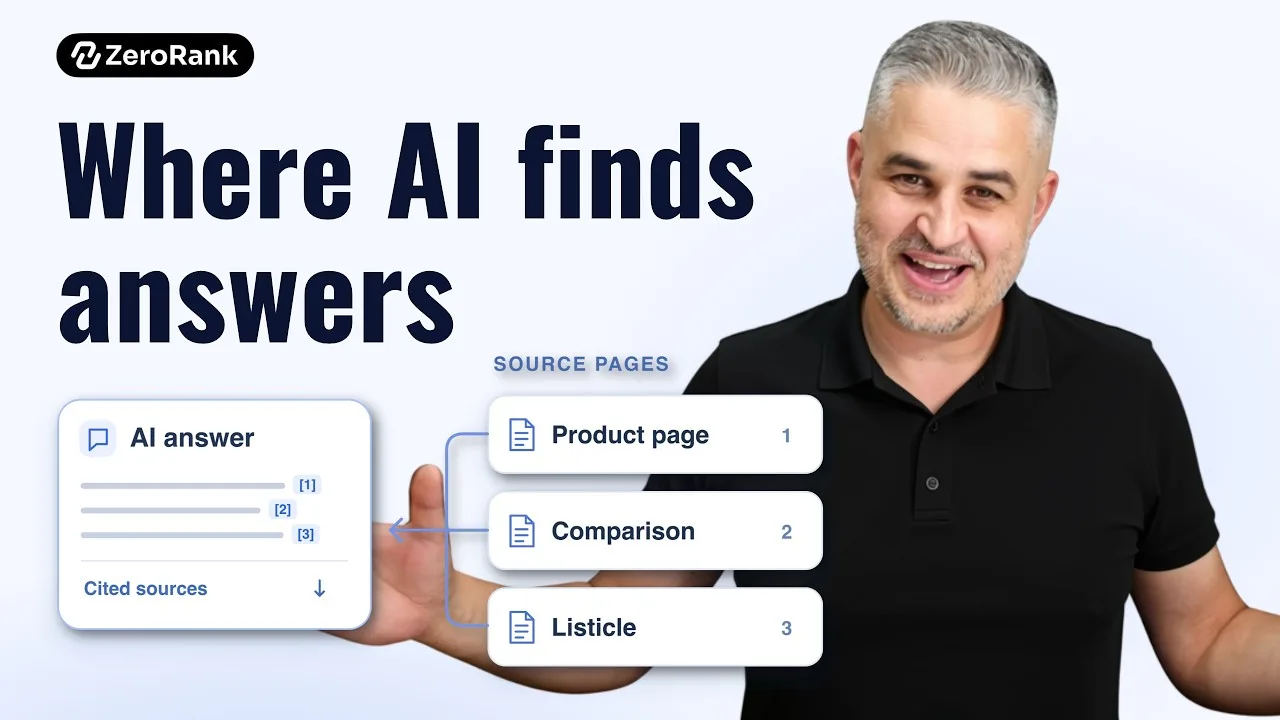
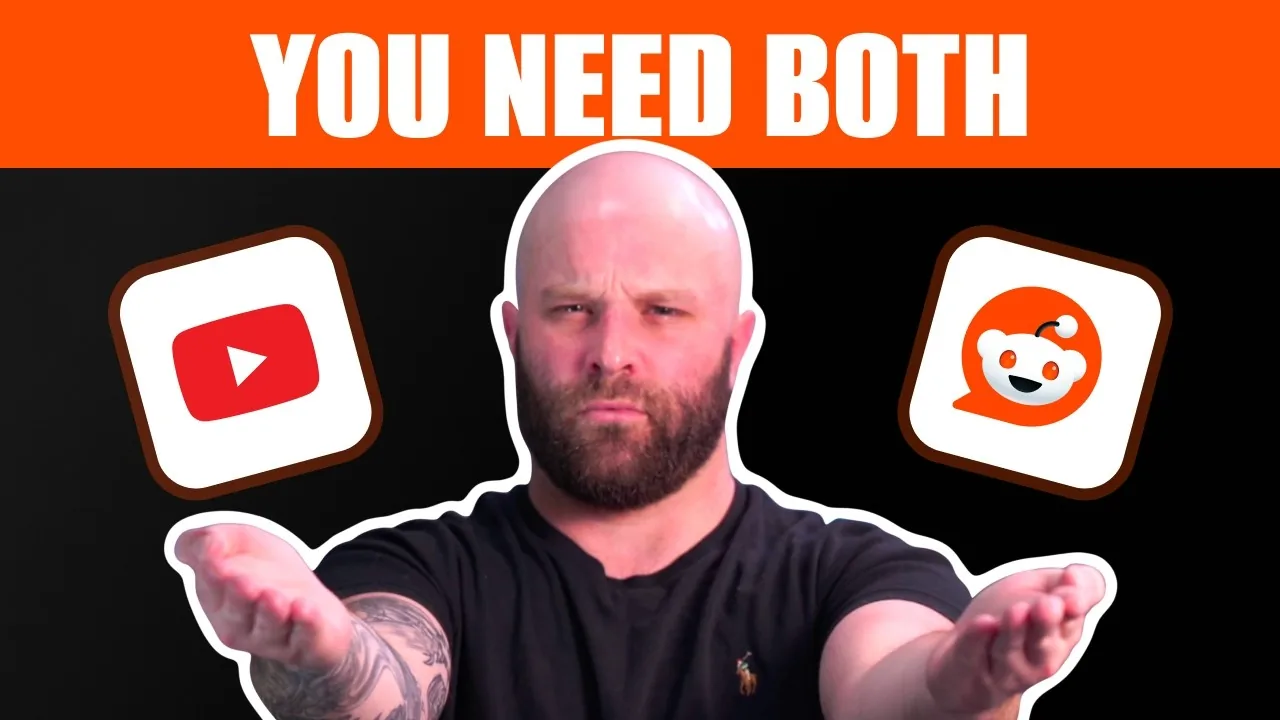
AI doesn't trust a single source; it looks for consistency across several. What Reddit, YouTube and your own site each give an AI answer, why a mention is not a citation, and the three-part source stack to build.

New lessons are added here as they are published. Subscribe on YouTube (opens in a new tab)

Follow along with your own brand

Start a free trial and work through the setup lesson on your own site, or book a 30-minute walkthrough with the team.